Major changes for the browser extension and online manga translator, including text recognition improvements, screenshot workflows, upload fixes, and reading quality updates.
Create a public link for one translated image or an entire manga chapter, then send it to friends or post it anywhere. Shared chapters keep every page in order and open without a Scan Translator account.
Share a completed chapter from Manga Translator
Share from a translated image in the extension
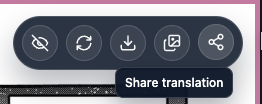
In the extension, hover over a translated image and click Share translation to share that image or the ready pages in the chapter.
In Manga Translator, finish a bulk upload and click Share chapter to create the same kind of public page.
The permanent link is shown with a copy button and anyone can open it without signing in.
Comix.to image translation works again in version 3.1.11. Detection is also more reliable on narrow and responsive manga readers. If a site still doesn't work, a small toast now explains how to report it. Update your extension and reload the reader page.
If manga images are visible but the extension doesn't detect them, you'll now see a clear toast explaining what to do.
Whenever a site isn't working, email [email protected] with the page URL and we'll investigate.
v3.1.9Extension
Retry a translation in one click
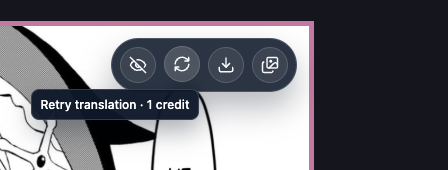
AI translation models can sometimes return the wrong translation or use an unexpected language, even when you chose the right one. To try again, hover over the translated image to reveal the small menu in the top-right corner, then click Retry. This uses one credit to rerun the translation and generate a new image without repeating text detection. If text or a speech bubble was missed entirely, use Screenshot instead.
v3.1.8Extension
More manga sites work again
We improved how the extension detects and accesses manga images, including images protected against direct downloads. If a site recently showed an “image access blocked” message, update the extension and try again.
Sites that recently stopped working may now translate normally again.
Protected and lazy-loaded readers are now handled more reliably.