

Pages stay in order
Numbered filenames keep the chapter ready for your image viewer without manual renaming.
Free browser extension
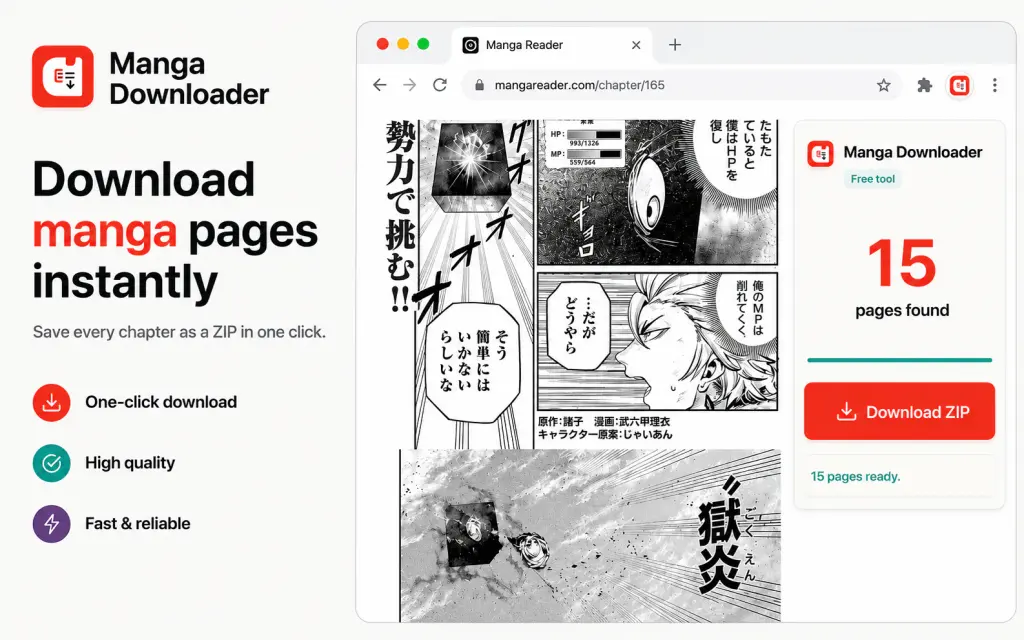
Manga Downloader detects the chapter images already loaded on the page, keeps them in reading order, and saves them in one ZIP.
No account, subscription or Scan Translator credits required.
Three simple steps
There is no source list to configure and no separate desktop app to learn. Work from the reader page already open in your browser.
Visit the manga, manhwa or webtoon chapter you want to save and let its pages load.
Click Manga Downloader. The extension finds the chapter images already loaded in your tab.
Save the detected pages in reading order, with filenames such as page_001 and page_002.
Built for chapter pages
Numbered filenames keep the chapter ready for your image viewer without manual renaming.
The extension packages the detected chapter pages into a ZIP instead of leaving you with scattered downloads.
Manga Downloader works without a Scan Translator login, subscription or credit balance.
Clear by design
Manga Downloader saves the chapter open in your tab. It does not crawl a whole catalogue, monitor releases or promise support for every reader website.
Local ZIP creation. The archive is assembled in your browser, with ordered filenames for the detected pages.
Direct download first. The extension tries to fetch each loaded image directly from its source.
Fallback only when needed. If a source blocks the direct request, a rate-limited Scan Translator server can retrieve that image for the ZIP.
Site limits still apply. Login walls, protected images or unusual page layouts can prevent a complete download.
Use Manga Downloader only for content you have permission to save and respect the source website’s terms and copyright rules.
A related reading tool
Scan Translator overlays translations on manga images while you read in the browser. Use Manga Downloader when you want the source pages. Use Scan Translator when you want to understand the text without leaving the chapter.
Prefer uploaded files? The online manga translator also accepts saved pages, folders and ZIP files.
Manga Downloader FAQ
Free browser extension
Turn the loaded pages into one ordered ZIP without copying images one by one.